Call, text, record calls, and manage your number from one account
Start with low-cost international calls, then add browser calling, Voipfibre numbers, SMS, call recording, travel data, and offline access numbers whenever you need more flexibility.
- Call from the web
Browser calling
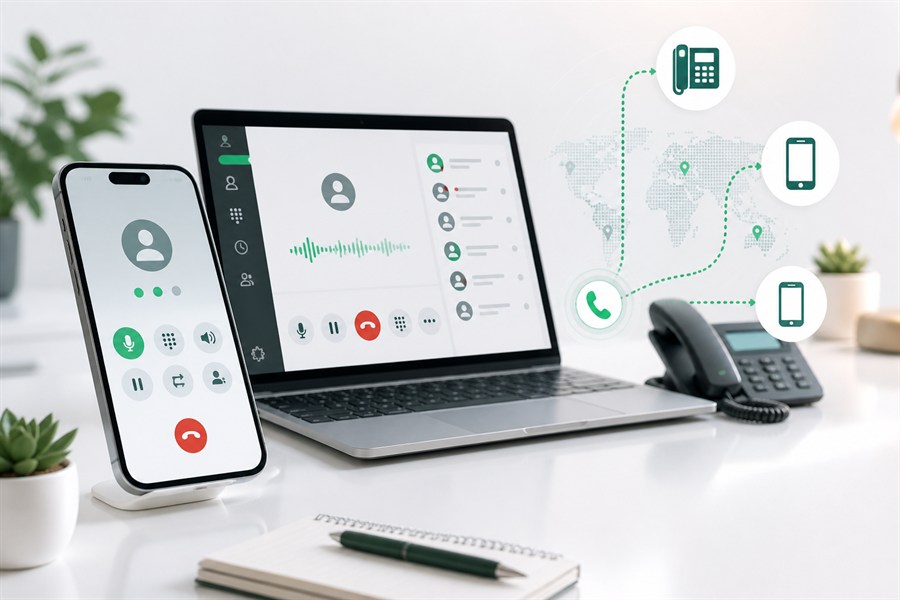
Open the Voipfibre dashboard, allow microphone access, and use the browser dialer to make calls from your laptop or desktop. The web dialer keeps call controls, recent calls, and recording status close to the conversation.
- Dialpad and DTMF controls
- Incoming and outgoing call logs
- Mute, timer, and device handling

- Receive calls and SMS
Voipfibre numbers
Choose a Voipfibre number when you need callers to reach you back. Numbers can support incoming calls, SMS-capable replies, caller identity, forwarding, greetings, and call history depending on the selected number.
- Numbers by country, calls, and SMS
- Forward calls to phone or SIP
- Missed-call and SMS alerts

- Keep a call reference
Call recording
Use call recording where it is enabled for your account and calling workflow. Recorded activity stays close to call history so important conversations are easier to revisit later.
- Recording status where enabled
- Recorded activity in call history
- Useful for follow-up notes and business calls
- Use the device you prefer
Mobile app and SIP calling
Use Voipfibre from a supported mobile app or SIP setup when you want calling from a phone, softphone, or existing device. The person you call does not need Voipfibre or internet.
- Call landlines and mobiles
- Use account credit for outgoing calls
- Keep familiar phone workflows
Download the mobile app
- No mobile data required
Offline access numbers
When internet quality is weak, use a local access number to connect your international call through regular phone lines. It is a practical fallback for travel, roaming, or unreliable data coverage.
- Use local phone lines
- Avoid choppy internet calls
- Reach international destinations

Continue with messaging, another number, Wi-Fi, or travel data
Each guide explains its own availability boundaries. Check the selected number, account, destination, and live route before relying on a capability.